Klatch’s Facilitation Tips: Using The Zoom Whiteboard in An Online Workshop

Zoom workshops come with a variety of tools that are unique to digital learning. As a facilitator, you can maximize your workshop success by taking full advantage of these facilitation tips in your online workshop!
One of these features is the zoom whiteboard.
The video conferencing company launched its whiteboard offering last year and aimed to provide users with a creative space that they could access anywhere.
Zoom Whiteboard is a collaboration tool that can be used for:
- Real-time and asynchronous communication through text, diagrams, sticky notes, and other visual elements
- Zoom meetings or Zoom Rooms for Touch devices such as your mobile device
- A variety of features that allow members to interact with one another and save their work
Is this your first time hosting a workshop on Zoom? Visit Zoom Presentation Tips: How to Speak and Dress for the Camera Like A Star

No monthly fees. Join hundreds of talented facilitators.
Facilitation Tips – How to Create a Whiteboard
From a Zoom meeting:
- Open the app and select the meeting you’d like to join from the list of available sessions.
- Click the Whiteboard button on the in-meeting controls -> Click New Whiteboard
- Click the arrow next to All Participants to choose edit permissions
- Click Open and Collaborate, and The whiteboard will open in your meeting window.
How to Share a Whiteboard

- After creating a Whiteboard, click Share at the top right to send the whiteboard to other users.
- Enter the email addresses of recipients you would like to share the whiteboard with and set their permissions -> Hit send to share!
- You can also copy the Link and then paste the link into a message or email to send to others.
No monthly fees. Join hundreds of talented facilitators.
Whiteboard Tools
Users can create whiteboards for group collaboration and share them with others through Zoom Chat or email. This allows participants to access the shared whiteboard directly from inside the Zoom Chat interface, allowing them to collaborate in real-time.
- Comments: The whiteboard has a commenting panel on the window’s right side. You can also attach a comment to an element and mention collaboration participants using the @mention functionality.
- Sticky notes: The whiteboard experience supports sticky notes that you can attach to any part of the canvas or its components. You can write on sticky notes to explain an idea or highlight an action.
- Different Versions: Zoom whiteboard is a full-featured version control system that keeps track of all the previous versions and shows who the editor is as well as when they last edited the document
For more Zoom tips, visit How to Use Zoom for Successful Online Workshop Facilitation (Tips & Tricks)
Using Zoom Whiteboard in Breakout Rooms
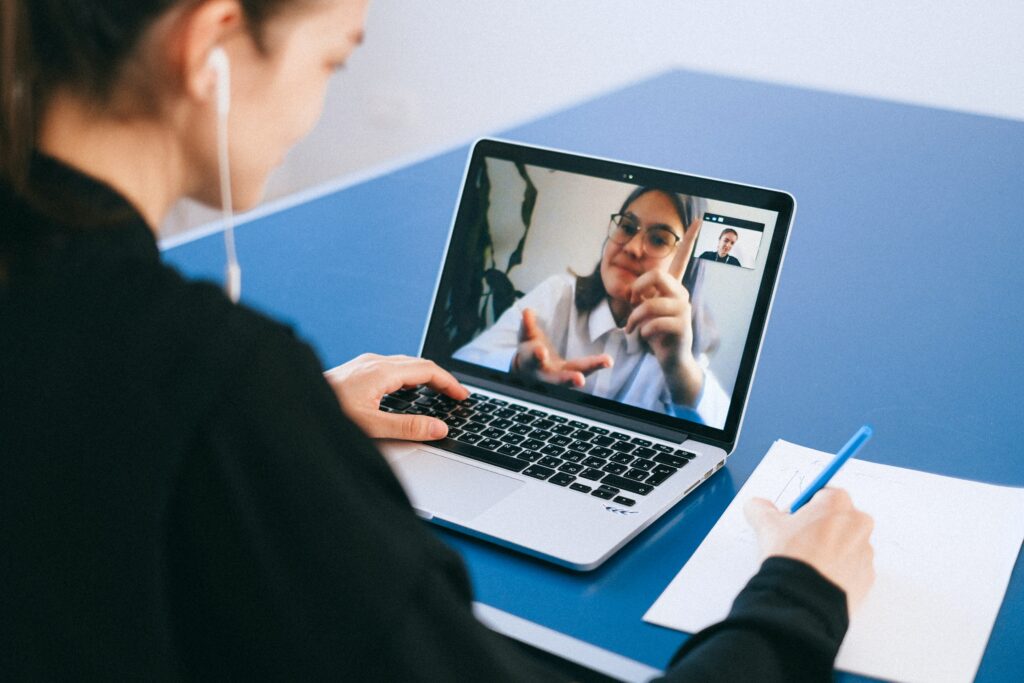
Zoom Whiteboard is an excellent tool for collaborative work in breakout rooms. Zoom’s breakout rooms feature is available on at least version 5.3.0 of their desktop client software on macOS, Windows, or Linux. You can create separate sessions for participants by clicking the “Breakout Rooms” icon and selecting the number of rooms and permissions desired.
Learn more about the Most Effective Zoom Breakout Room Tips for Online Group Workshops
Accessing Zoom’s whiteboard feature is easy:
- Go to the main page on zoom’s website
- login with your account information, or sign in using your Microsoft account
- Once you’re logged in, you’ll see a new tab called “Whiteboards” on the left side of the page. Click it to start working!
The whiteboard is a simple yet effective way to boost interactive learning with your Klatch community!
No monthly fees. Join hundreds of talented facilitators.
What is Klatch?
Klatch is a first-of-its-kind all-in-one social learning platform for live, hands-on, virtual workshops across every topic – from hobbies to professional development. Say goodbye to pre-recorded lectures and passive webinars; say hello to real-time, group-based learning. The Klatch platform enables experts to launch a workshop in minutes and provides the tools to unify their communities, grow their audience, and monetize their expertise. Apply to join the Klatch Facilitator community here or browse featured workshops here.